

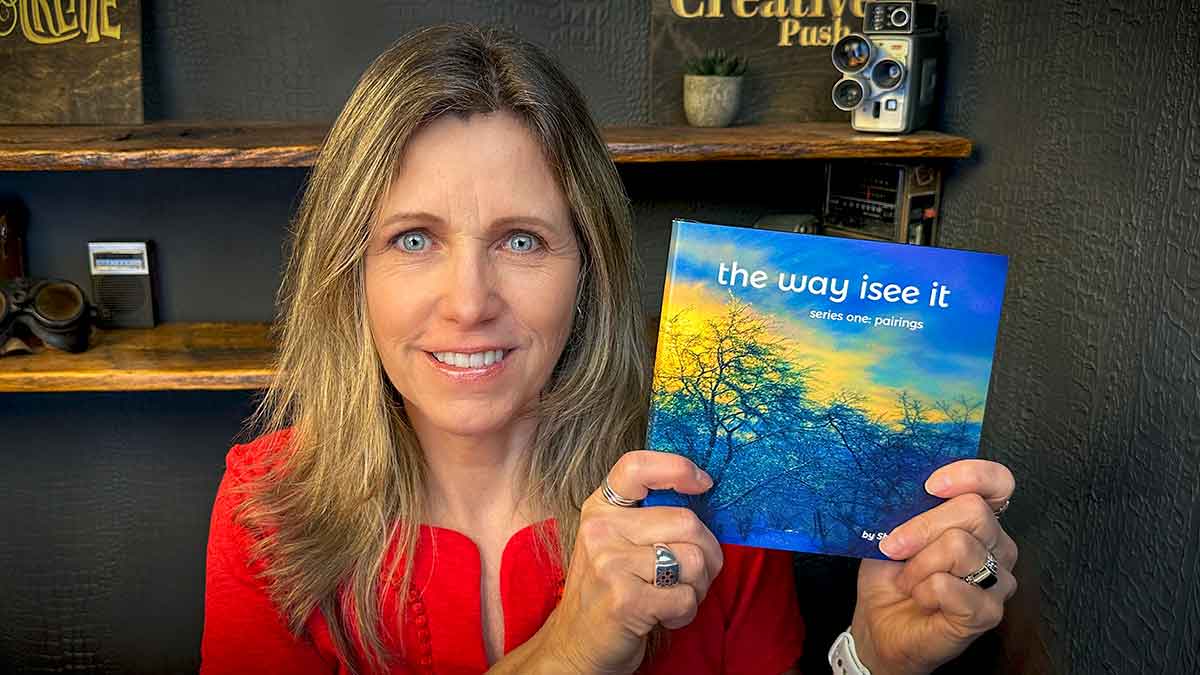
The Print-on-Demand Trap: My Honest Experience With Blurb (And What I’d Do Differently)
(Affiliate Disclaimer: I’m not compensated for this post, but it may contain affiliate links. I only link to products I personally use and love. Any commission earned is a small way of supporting what I do, and it's greatly appreciated! Portions of this content may also be AI generated.)
I spent months designing two travel photography books. One is over 100 pages. Heavy ink, full-bleed images, the works. My goal wasn’t complicated. I wanted a beautiful physical copy for myself and a clean print-on-demand option for my audience. Simple enough, right?
Then I ran straight into a wall just days before my planned book launch.
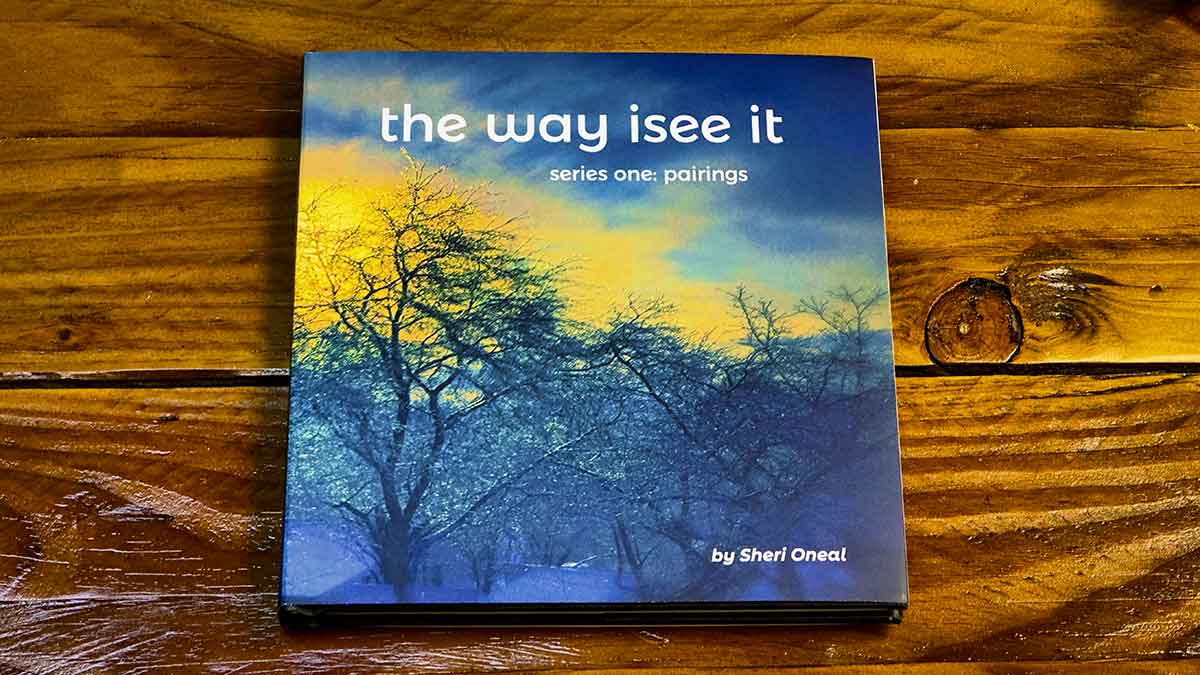
The Proof Copy Trap Nobody Warns You About
If you’re not familiar with print-on-demand, here’s the short version. Instead of printing hundreds of books upfront and warehousing them, print-on-demand means a single copy gets printed and shipped only when someone orders it. No inventory. No storage. No upfront print run. For independent artists and photographers, it sounds like the perfect setup, and honestly, that’s exactly why I looked into it.
Blurb is one of the most well-known platforms built specifically for photo books and creative publishing. The print quality has a solid reputation in the photography community, their paper options are good, and they have design tools built right into the platform. So when I decided I wanted to offer printed book versions of my travel photos to my audience, Blurb seemed like the logical starting point.
Here’s how Blurb works, and I want to be honest about this because I think it’s a problem.
If you want to offer both a hardcover and softcover version of your book, Blurb requires you to purchase a physical proof copy of each version before your audience can buy them. That’s not a suggestion. That’s the system. No proof of purchase, no active listing.
I was able to order a PDF, and after going through support, they allowed me to save a little money by keeping one of the books online. I ordered both. Then, as I was recording my unboxing video, I spotted a single formatting error in a few paragraphs on a single page.
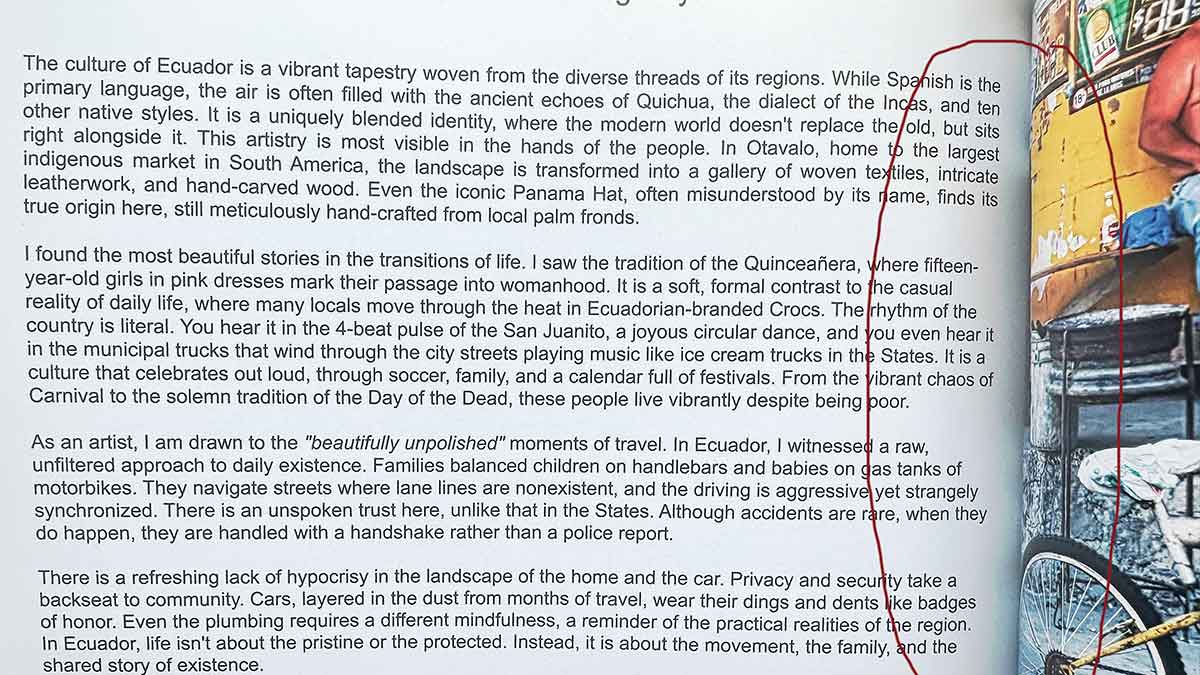
To fix it, I needed to upload the corrected file and buy both proof copies all over again, just to unlock the buy button for my readers. One small formatting mistake turned into a $100+ lesson I didn’t sign up for. And I’ll be honest about something. Part of why I missed that error in the first place was the Blurb app itself. It’s clunky, frustrating to work in, and harder to manage than it should be. When your design environment is fighting you, small things slip through. That’s not an excuse, it’s just the truth.
The Numbers Don’t Lie
Before you go all in on print-on-demand for your photography books with an ISBN, you need to understand the math. Photo books are expensive to print. High-quality paper, heavy ink coverage, and the base cost are real. Here’s a rough ery basic breakdown of what the cost actually looks like on a premium 100-page photo book:

Your net profit per book is around two dollars and fifty cents, before you even include a fair markup amount, which you have the choice to choose. Keep in mind pricing changes, depending on whether you want a soft cover, hardcover, image wrap dust jacket, the number of additional pages, and the quality and weight of the paper that you choose.
When you consider this is before markup and for a fairly small-sized book, you can see it isn’t a very profitable way to sell a book. The markup amount to actually make a decent profit is likely more than someone would want to spend. That’s what you walk away with after months of work if you go the Amazon route. Managing ISBNs, barcodes, and global distribution to make $2.50 + your small markup per sale is not a business strategy. It’s a slow bleed. Selling directly through your own website is where the math actually makes sense for artists.
What About Selling a Digital Version?
Here’s something worth thinking about before you go all in on print. A beautifully printed 10″ x 8″ soft-covered photo book of around 110 photos, even without an ISBN number, that costs approximately $74 plus shipping to print, is going to be a hard sell. And keep in mind that’s before you add any amount of markup. Even to people who love your work. The printing costs are real, the margins are thin, and most buyers will hesitate at that price point, no matter how beautiful the book is.
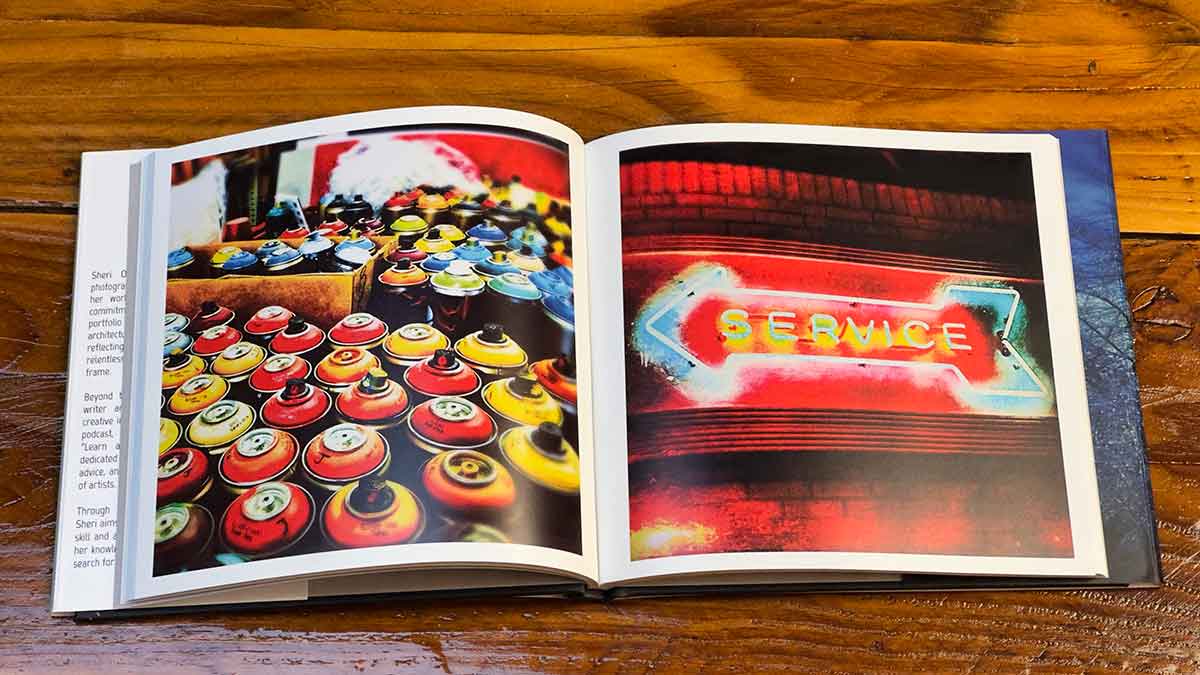
But what about a PDF version of the same book? That’s a different conversation entirely. It’s not the same, but I do believe the imagery still lands. The storytelling still works. And at $15 to $25, it becomes an impulse buy for someone who genuinely loves your photography but isn’t ready to spend $100 on a printed copy. Your margin on a digital file is nearly 100% with no printing, no shipping, no proof copies.
I’m working through this myself right now. I rebuilt both of my travel books in Affinity Publisher and honestly love the way they look. The challenge I’m figuring out is that both books were designed in square and landscape formats. These are not the standard layout that reads cleanly as a double-page spread on a tablet or phone. So I’m testing before I commit to anything publicly.
My plan is to sell the PDF versions through Payhip. If you’re not familiar with it, Payhip is a straightforward platform built specifically for selling digital downloads. Clean checkout, simple file delivery, and a pricing structure that makes sense for independent artists. I’m still learning it myself, but so far it feels like it was actually designed with creators in mind, which is more than I can say for some of the other platforms I’ve dealt with. I’ll share what I find when I have real results. That’s the only way I know how to do this.
One thing I’m also thinking through for future books, there’s probably a sweet spot for PDF photography design that works beautifully on screen without sacrificing the visual impact. I don’t have that answer yet. But it’s worth exploring before you lock yourself into a format that only works in print.
Why Your Softcover Looks Flat (And It’s Not Your Photography)
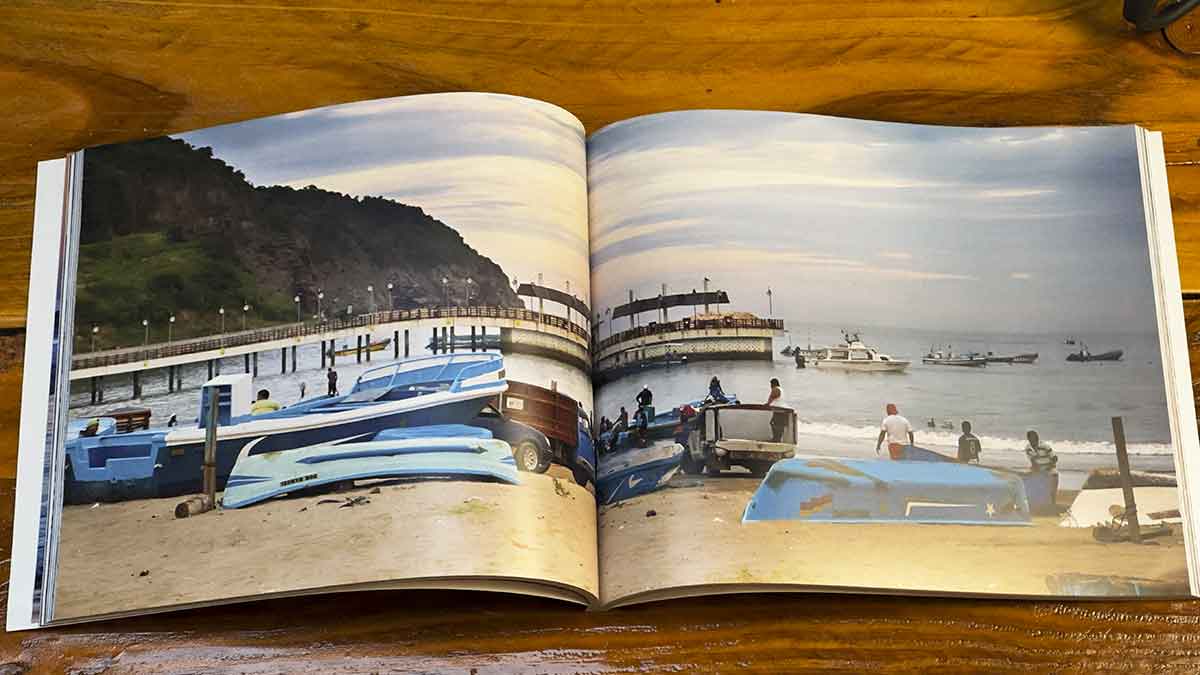
Another disappointment I wasn’t prepared for was the cover on my Ecuador travel book. As a professional photographer, I knew that the image was strong. It looked beautiful in Photoshop. The interior pages printed great. But the softcover? It fell flat in a way that genuinely frustrated me, and it had nothing to do with the photograph itself. If you’ve ever held a softcover proof and felt that same quiet disappointment, here’s what’s actually happening, and it has nothing to do with your images.
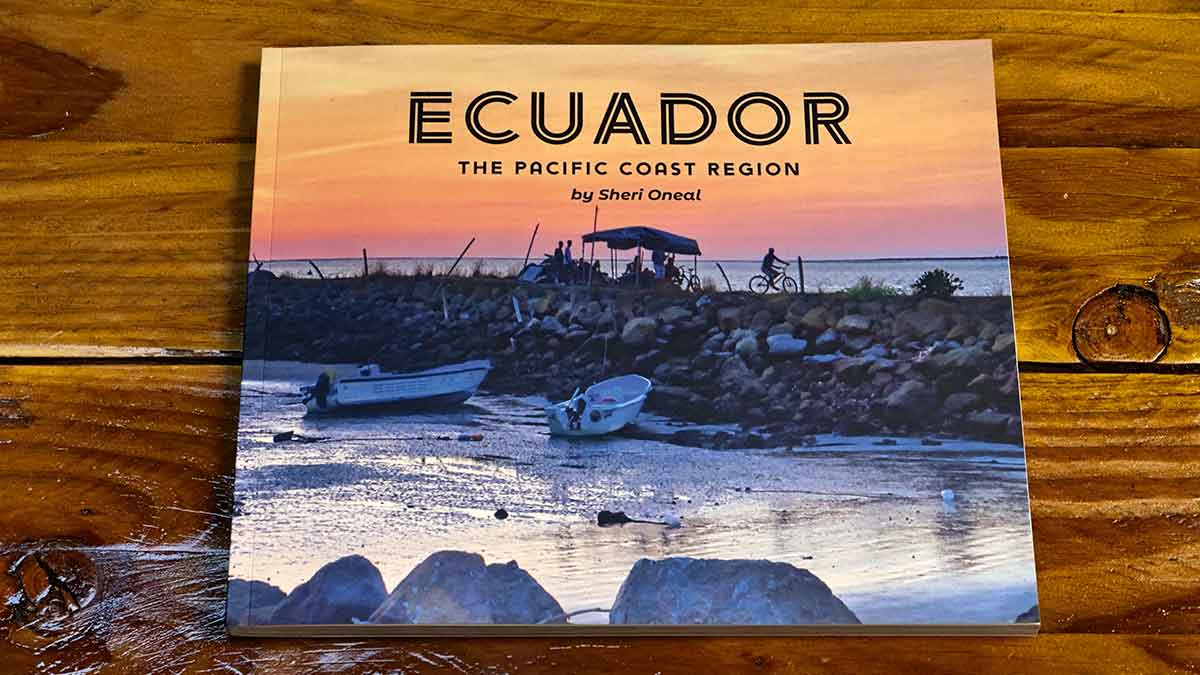
Hardcover books, specifically paper wrap hardcovers, have a rigid board underneath the printed cover. That structure creates real edges. When light hits the book, you get dimension, micro-shadows, and depth. Your cover image looks like it lives on the book.
Softcovers don’t have that. Here’s why they fall flat:
- The cardstock absorbs ink differently. Without a rigid board underneath, colors look more muted from the start.
- The laminate layer works against you. POD machines heat-seal a thin plastic film over the cover to protect it from scratching. On a softcover, matte laminate scatters light and makes deep blacks look dusty, and highlights look dull.
- There are no premium finishing options. Traditional offset printing allows for spot UV, embossing, and foil stamping. POD machines print one book at a time. Those finishes aren’t available.
If you’re printing a high-contrast or dark photography book, go hardcover. Every time. Softcovers are built for paperback novels, not fine art. I only picked a softcover version because I wanted a cheaper option available to try to cut down on costs. Knowing how it turned out, I’d probably choose a different image, pump up the contrast, and saturation quite a bit.
A Better Way Forward (What I’m Actually Doing Now)
Moving forward, I’m still doing research, but I’m considering Lulu. They were on my radar before I settled on Blurb. I want to be clear here, I’m not saying Lulu Direct is the answer because I haven’t tested it yet for photography quality output. But here is why it’s on my radar and worth looking at.
Lulu Direct integrates directly with your own website. They don’t require a mandatory proof of purchase to unlock selling on your own site. If you or a reader catches a typo, you upload the corrected PDF, and the next order automatically gets the fixed version. No redundant proof fees. No holding your own book hostage.
I’m planning on testing it. When I have real results, I’ll share. I’m going to give you my honest advice. Don’t design your books inside proprietary software like Blurb offers. That’s the first move regardless of which print-on-demand service you use.
The Fine Print Nobody Talks About
Before I ever ordered my first proof copy, I did my homework on ISBNs. And what I found was important. Blurb’s free ISBN at the surface looks like a very good opportunity, primarily because it’s free, and they set it up on their site as a bonus. To some, it might be, but to me, it was not something I was interested in.
When you choose their free ISBN, they’re automatically assigned to your book, and it’s registered under their name as the issuer. Not yours. You keep full copyright of your content and your images. That part is clear. But the ISBN itself carries Blurb’s imprint, and that matters more than most artists realize.
I wasn’t comfortable with that. And knowing how thin the margins are on print-on-demand photo books, I also wasn’t ready to invest in purchasing my own ISBN before I’d even seen how the finished book would look or sell. So I held off on distribution entirely, which meant no Amazon, no Ingram, no global bookstore listings. Just a proof copy to see how everything would look. That turned out to be the right call for me. But I want you to understand what that decision means before you’re standing at the same crossroads.
When Blurb registers the ISBN under their name as the issuer for free, it becomes tied to them as the printer, through their specific format and platform. If you ever want to move your book to a different printer or distributor down the road, that ISBN doesn’t come with you. You’d need a new one. And if you’ve already made changes to your book, you may need a new ISBN anyway because ISBNs are format and version-specific. Change the trim size, the cover type, or enough of the content, and the old ISBN is no longer valid.
Sure, the ISBN didn’t cost you anything, and you can purchase your own ISBN through Bowker, the US ISBN registry, for around $125. But owning your own ISBN means your name is the publisher of record. Not Blurb’s. Not anyone else’s. Yours. For an artist building a real body of work, that distinction matters, and here’s why. That ISBN is 100% non-transferable. Blurb is the official publisher. Even though you own the copyright to your artwork and photography, you do not own the publishing rights for that specific edition. The book is legally tethered to Blurb’s manufacturing chain.
This might not seem like a big deal because you can buy your own ISBN, you can keep the title and layout if it’s not designed in Blurb’s software. You just have to change the back cover where the ISP number is baked in. Here’s the problem, once a book is published with a free ISBN, that digital listing can never be deleted from global retail databases. In the bigger markets like KDP and Amazon, that means you’re sort of blacklisted. Due to digital algorithms in online search, those two books are linked, which can definitely reduce the possibility of sales. The ISBN becomes sort of like a digital handcuff.
And then, there is the Blurb Bookstore itself. Blurb will tell you their bookstore has no listing fees and no commission. That’s technically true. But here’s the reality check. Nobody is browsing the Blurb Bookstore on a Saturday afternoon the way they browse Amazon or Etsy. It’s a small, niche platform. The people who find your book there are mostly people you sent there yourself, through your own marketing, your own social media, your own email list. Which means you’re doing all the work either way.
And here’s the part that bothered me when I thought it through. Blurb’s actual business is printing. Every book sold through their bookstore is a book they print and profit from. Your creative work, the months you spent shooting, designing, editing, and perfecting, that drives their printing revenue. The no-commission structure sounds generous until you look at it that way. If you’re driving all your own traffic anyway, selling directly from your own website keeps more money in your pocket and keeps your audience on your platform, not theirs.
That’s not me telling you never to use Blurb, and honestly, the printing on the inside of the book was really nice. I was very happy with the final results. Who knows, maybe I’ll try using them again in the future once I get over being angry. I just want you to go in with your eyes open. Weigh the benefits honestly against the limitations. For some artists in some situations, the tradeoffs may make sense. For others, especially photographers with heavily printed, high-cost books and thin margins, in my own honest opinion, the math just doesn’t work in your favor. You deserve to know that before you spend months finding out the hard way as I did.
My primary goal was to have something physical printed and available through print-on-demand on my website. I never had any desire to target Amazon or retail stores, so I didn’t need an ISBN. It is purely a retail tracking tool for bookstore inventory and cash registers. If you sell directly to your audience via a website plugin like Lulu Direct, you can simply bypass the ISBN step entirely. This grants you absolute freedom to fix typos, tweak cover files, or swap printers behind the scenes whenever you want, without a barcode ever locking you down.
The Tool That Changed Everything: Affinity Publisher
After my disappointing experience with Blurb, I moved my work into Affinity Publisher, and the difference was immediate. Since Canva acquired Affinity, if you have a pro account with Canva, the full professional layout program is now completely free. In fact, all of the Affinity products are included.
When I imported my original PDF book designs into Affinity, the content came in holding all its text information, even when it didn’t render as fully editable text. Everything was manageable. Cleanly organized. Easy to work with. The layout process felt seamless in a way that the Blurb app never did. Because I have a Canva Pro account, I also get these premium software tools at no cost, which I used to help build a clean, reusable template for all my future travel books. As a Photoshop user, I’m considering looking into the Affinity Photography app, although I’m not ready just yet to give up Photoshop. It’d be nice to lose that subscription, though, it sure isn’t cheap.
The most important thing Affinity gave me was a universal PDF that I own. That means I can take my files to any printer, any platform, anywhere in the world. I’m not locked into anyone’s ecosystem. That’s creative freedom, and it matters more than most people realize until they’ve lost it.
The Honest Takeaway
Print-on-demand should be a passive, joyful way to let your most dedicated followers own a piece of your work. It is a way for you to take something digital and turn it into something physical. It should not punish you financially for fixing a typo. It should not trap you in clunky software that makes mistakes more likely. And it should not hand most of your margin to a retailer who had nothing to do with making the work.
I’m still figuring out the best long-term solution. I’ll tell you what I find. But if you’re starting from scratch, learn from what I ran into before you spend months building something inside a system that doesn’t have your interests in mind. When I reached out to Blurb about this, wanting to make these minor changes, their response was the ultimate customer-service brush-off. They told me,
“The requirement to purchase a new proof copy is a safeguard built into our bookstore system to ensure that any modified file is physically verified… however, I recognize how costly and restrictive this feels…”
Let’s call this what it is, a corporate half-truth. Shifting text inside a paragraph box doesn’t alter the physical trimming of a book. As a photographer with more than 30 years of experience, I understand a little bit about the printing process. Modern digital presses don’t care if a sentence changes, but Blurb’s payment processor certainly does. They built this rigid system, and they chose to keep it this way. My response? I’m going to keep searching and see if I can find a better fit. As an artist, I also need to generate income, and this has been a very time-consuming and non-profitable experience.
The best thing that came out of this, thanks to Affinity Publisher, I can now design anything I want into a professional layout, and I have total creative freedom. I am looking at Lulu Direct, like most print-on-demand book publishers, they’re not on my radar from a Photography print standpoint, so until I order a proof, I’m not sure what the quality will be. With zero mandatory proofing fees and full ownership of my master templates, they are worth checking out.
I’m also considering creating some Zines. With my new ET-8550 Epson printer, I think I might be able to utilize standard paper to make some fun, creative handmade versions that I could sell on Payhip. I like that I can create them myself in-house and ship. I would be limited in producing a large volume of books due to the amount of time I would need to invest in producing them manually, but it would be something very unique that might be fun. If this is something you’ve been considering, you can read my blog here, and you might enjoy my printer review below.
As artists, our time and money are too valuable to waste on platforms that treat our loyalty like an ATM. Despite these kinds of experiences, we still need to continue to put our work into the world in some kind of tangible form. I’m disappointed with Blurb’s pricing, but I still believe the books that I created turned out nicely. I’ve decided not to pay for the revisions, as I have no intention of marketing these printed books as of now. I’ve also decided not to take them down. As a perfectionist, I realize the average person may not even notice the issues I discussed in this blog post. What’s important is that these books represent my professional vision. I reached my goal, and I created something tangible. They’re still available for purchase, and you can see more on my store page. I’m currently working on getting the digital versions uploaded, and they’ll be available soon once I launch my Payhip page.
I hope that this information helps you make your own choices if you’re searching to learn more about print-on-demand opportunities. Imagine what our world would be like without our art. Consider how many businesses would not exist! Take control of your files, bypass the middleman, and keep making your art on your own terms. Your work deserves that.
Be sure to check out my recent video where I do the unboxing of these books, as well as some other items I’m launching.
